Ledger Wallet for Desktop

LEDGER WALLET — DESKTOP & MOBILE APPS
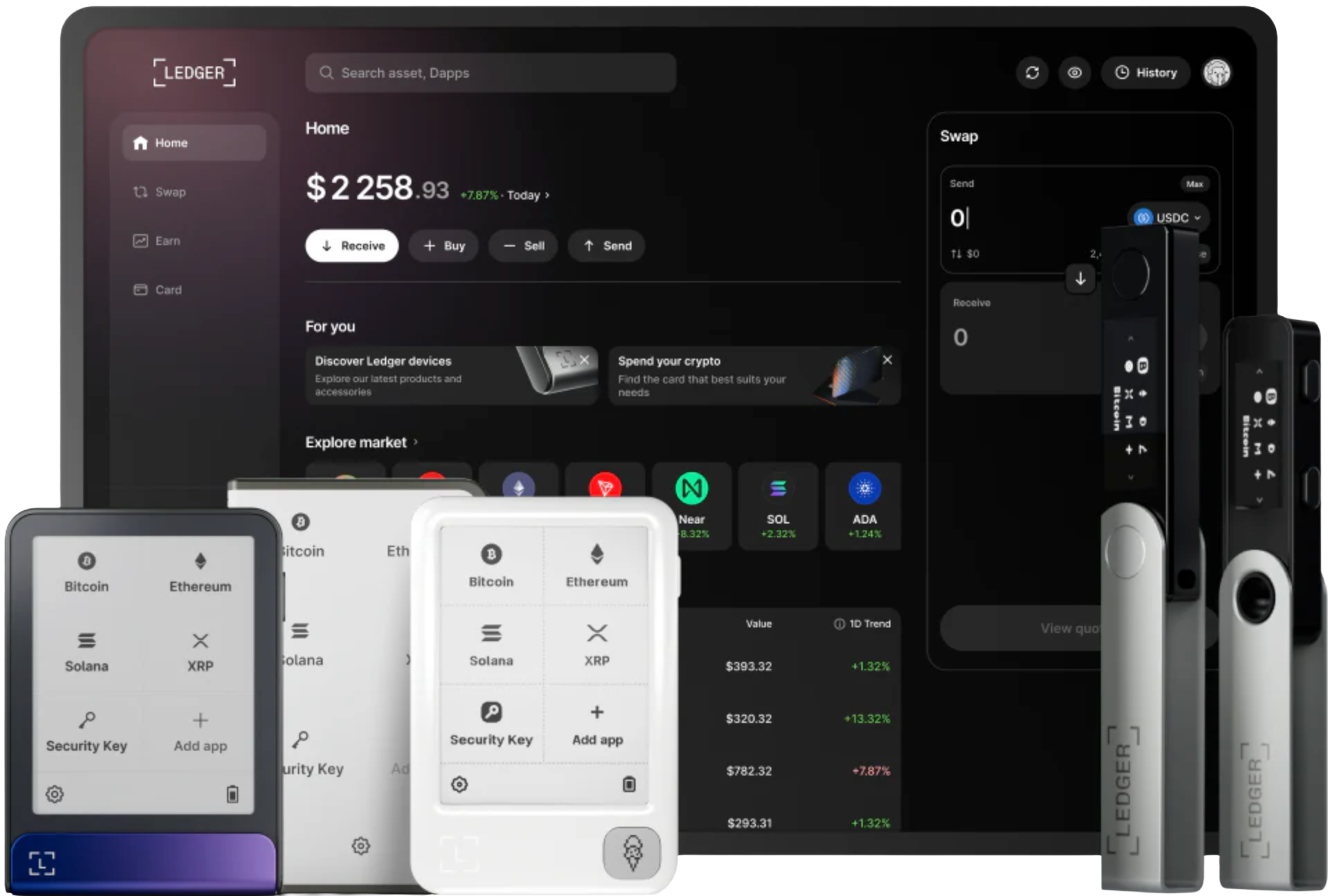
Ledger Wallet is the application for viewing, receiving, sending, and managing your digital assets, available on both desktop and mobile. When paired with a Ledger hardware wallet, you can initiate operations in the app and verify every critical transaction on the device screen.
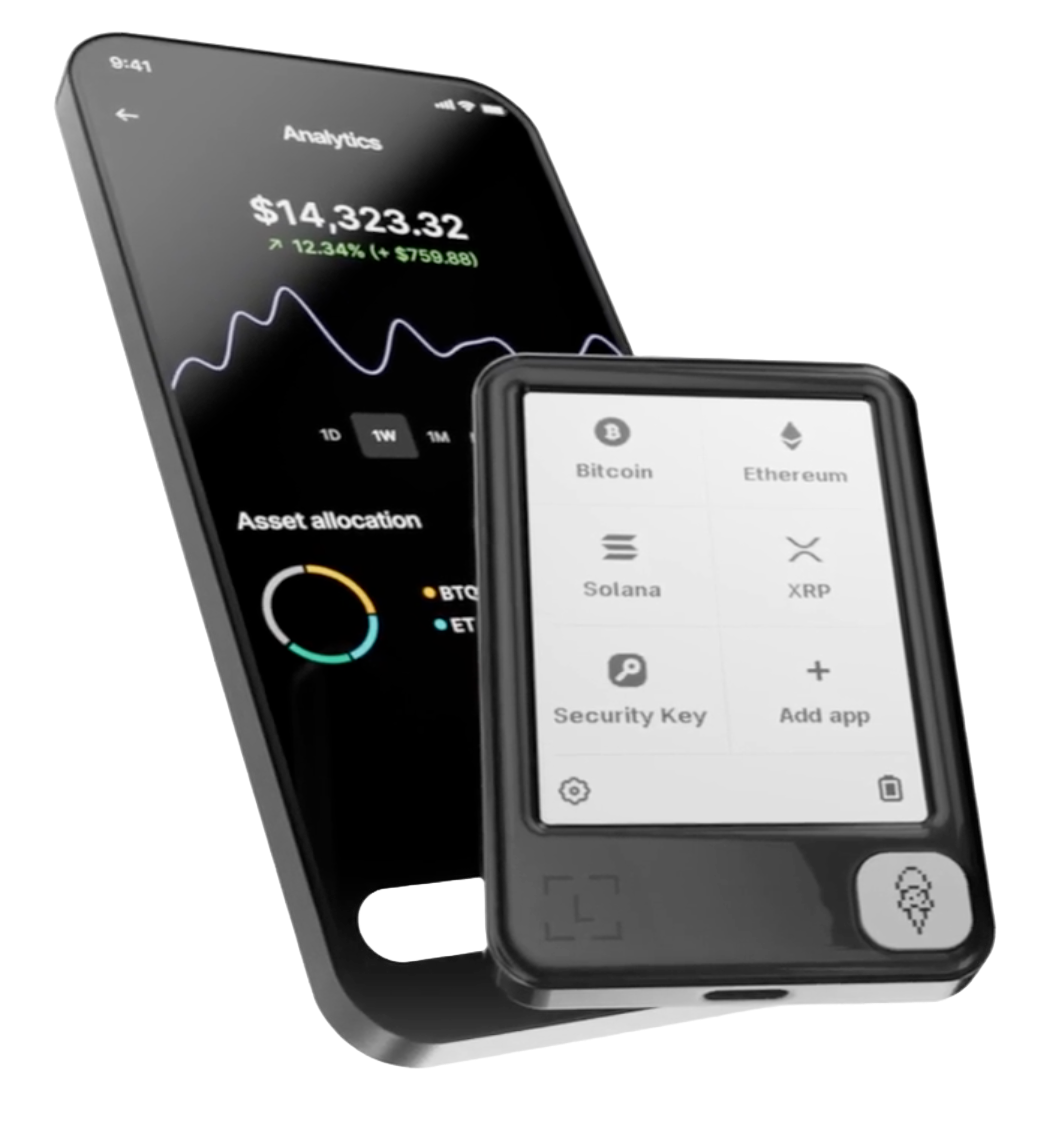
Ledger Wallet supports desktop and mobile platforms. Pick the version that matches your system — Windows, macOS, Linux, iOS, or Android.
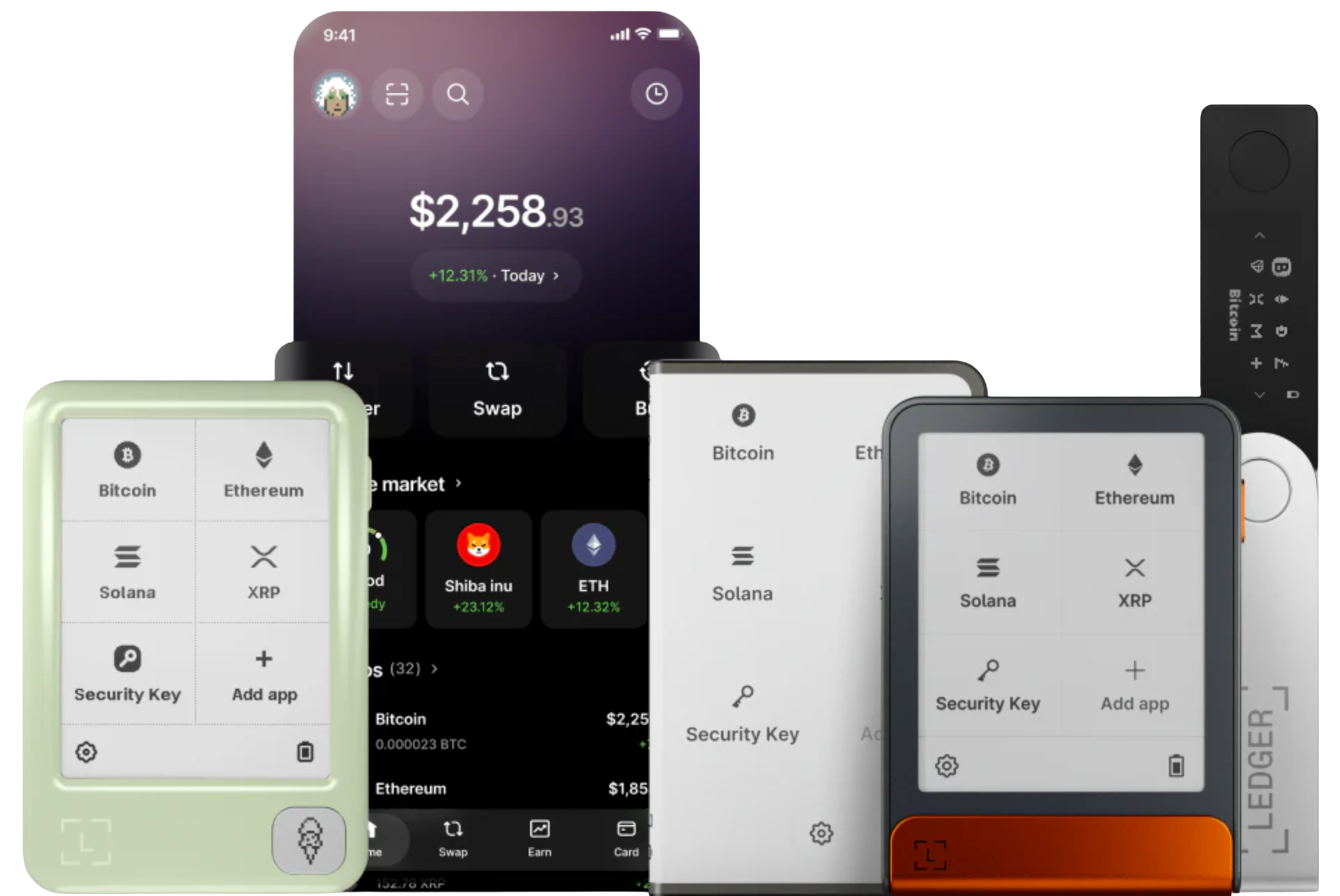
Ledger Wallet is where you manage asset information and initiate operations. The Ledger hardware wallet is where you verify and approve every critical step that moves your assets.
Check your balances, transaction history, token prices, and portfolio composition — covering Bitcoin, Ethereum, stablecoins, NFTs, and multi‑chain assets.
The app lets you connect to service providers and decentralized applications, then initiate receive, send, swap, or stake operations. Available features depend on what is shown within the app.
For any approval, signature, or asset transfer, always review the address, network, amount, fees, and permission scope on your Ledger device screen before confirming.
Ledger Wallet helps you view and manage a wide range of digital assets. Actual coin, network, and feature support depends on what is available inside the app.
The app displays your assets, lets you add accounts, initiate sends and receives, swap, stake, and connect to Web3 services — all from your desktop or mobile device.
The device stores your private keys and confirms critical operations. Before approving any transaction, you must verify the address, network, amount, fees, and contract permissions on the device screen.
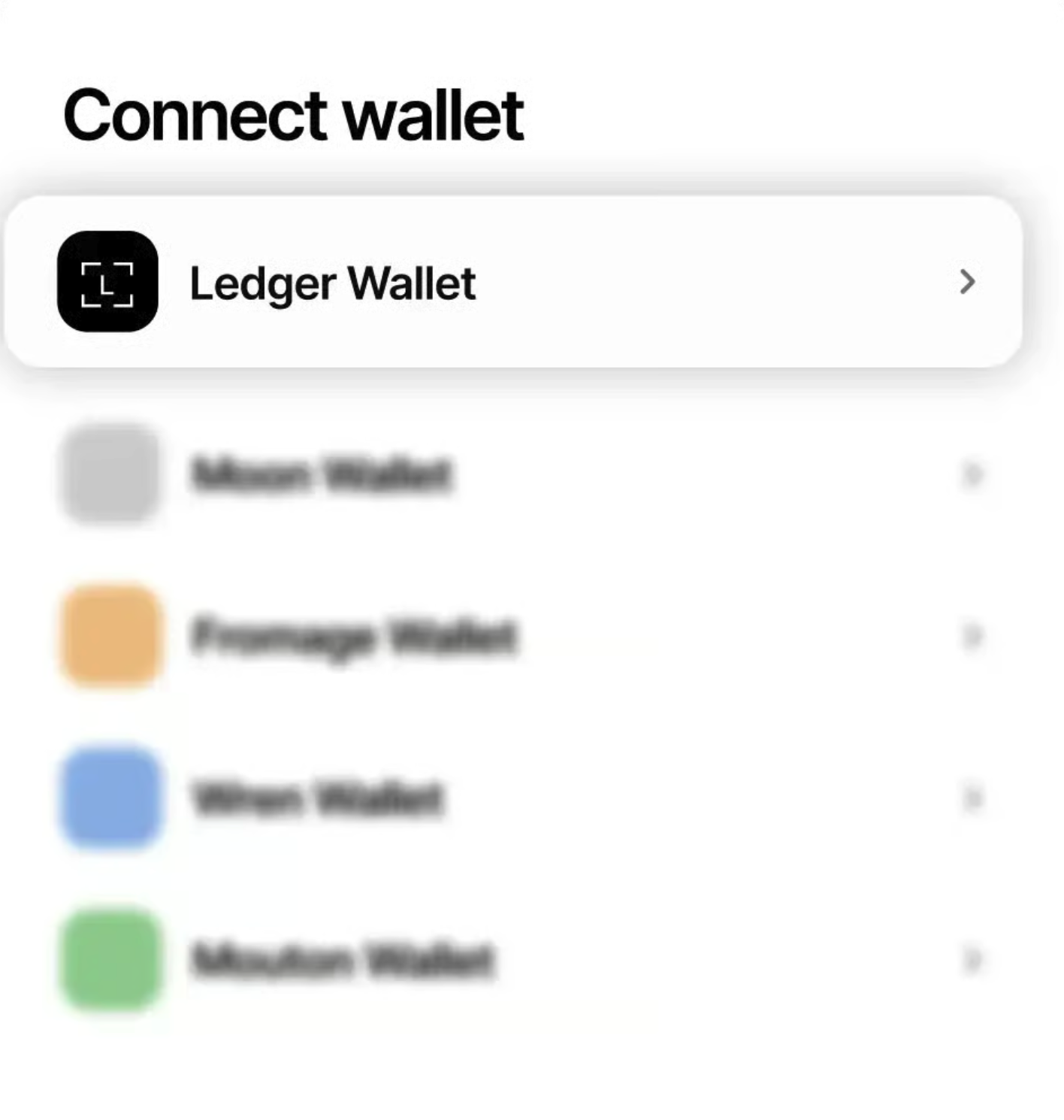
Web3 & Decentralized Apps
Ledger Wallet can connect to decentralized applications. When connected, all approval, signature, and transaction requests must be reviewed by you. For any asset transfer or contract approval, always rely on the information displayed on your Ledger device.
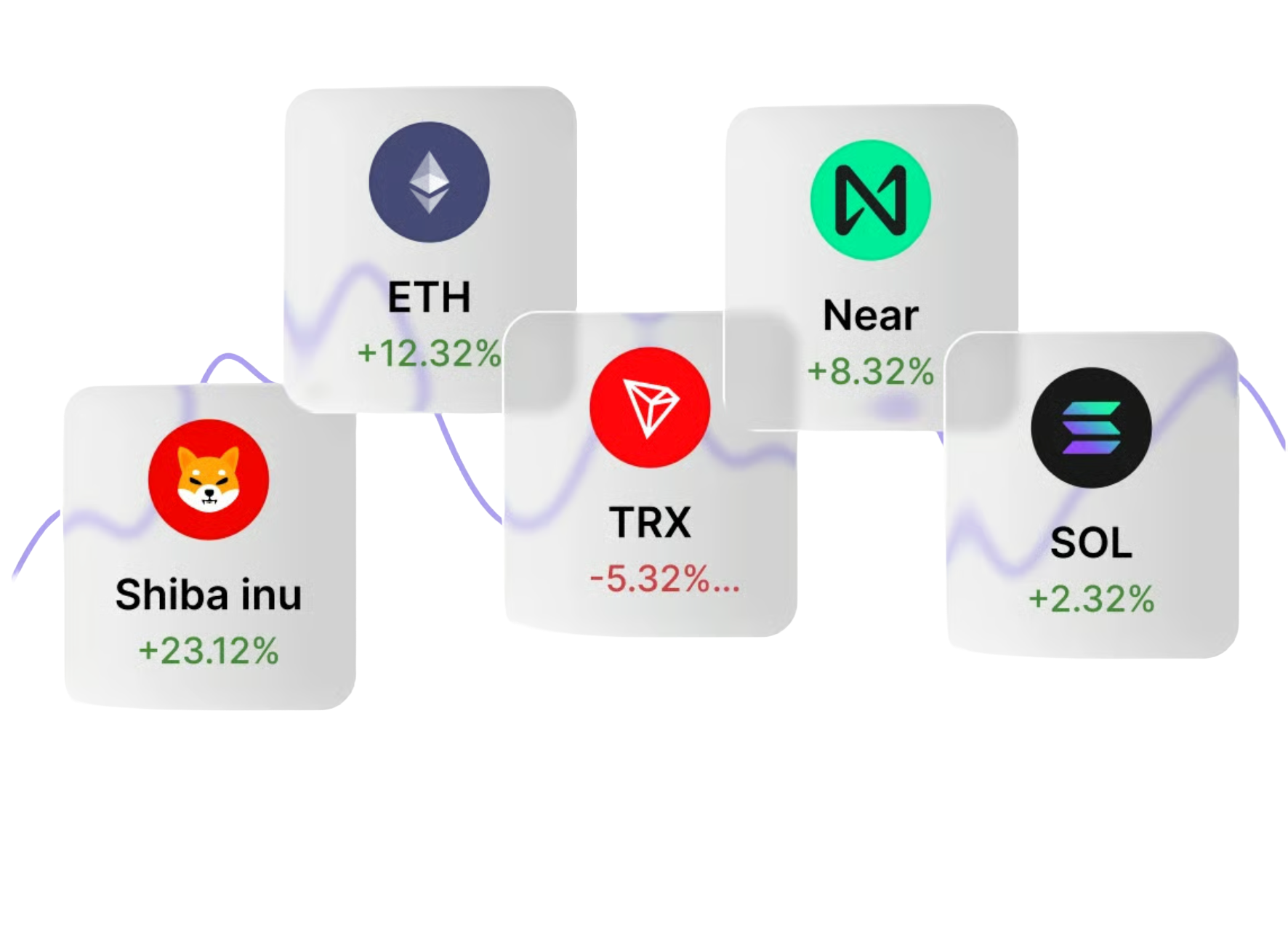
Buy & Swap
With Ledger Wallet, you can view your assets, compare available services, and initiate buys or swaps. Before proceeding, always confirm the service provider, token, network, quoted price, receiving address, and associated fees.
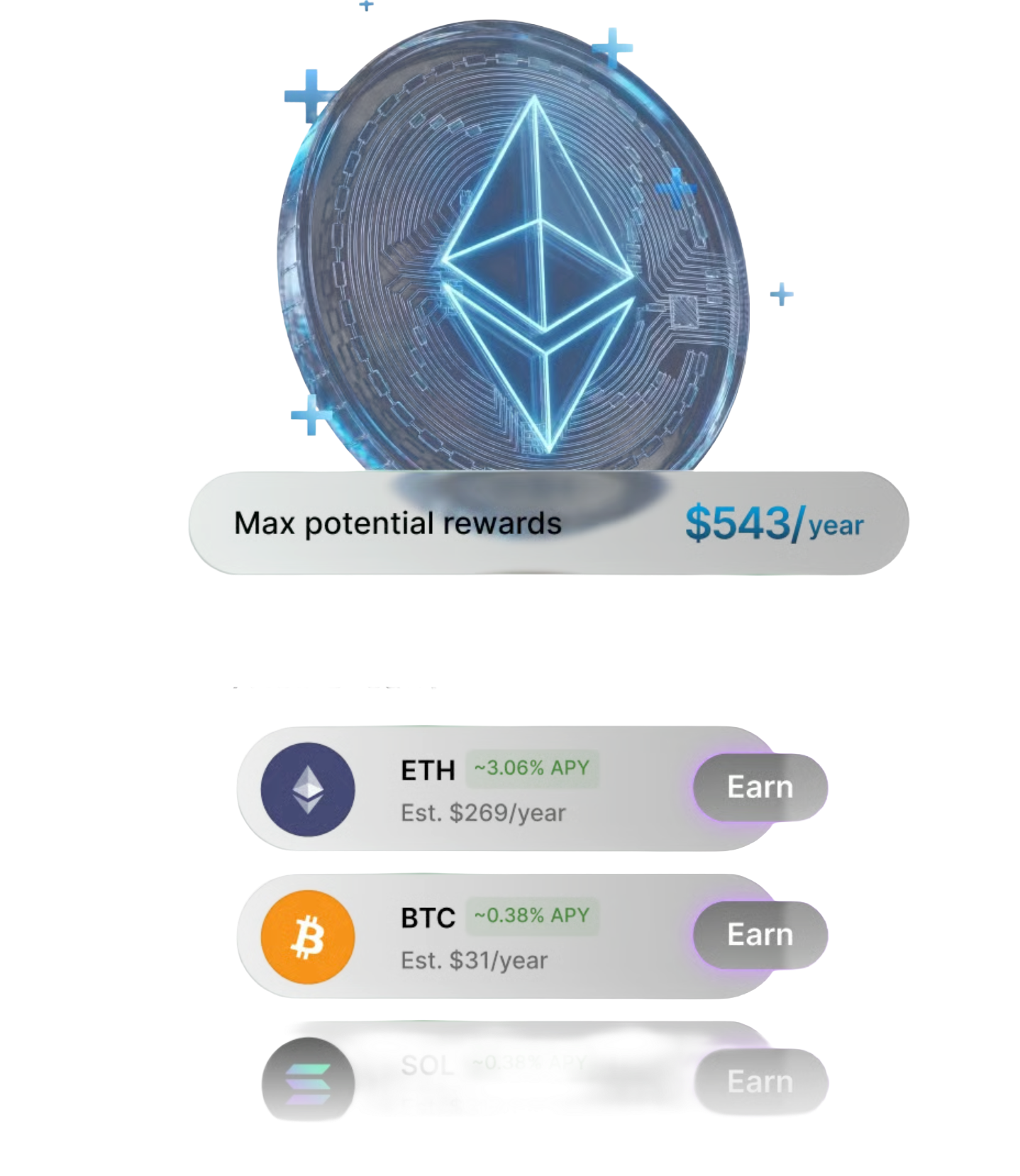
Staking & Rewards
Ledger Wallet lets you explore staking opportunities and track rewards on supported networks. Before staking, understand the lock‑up period, validator, network rules, fees, and associated risks.
Ledger Wallet is a crypto asset management application for desktop and mobile devices.
It allows you to view Bitcoin, Ethereum, USDT, NFTs, and multi‑chain assets, and to initiate receives, sends, swaps, staking, or Web3 interactions.
When used with a Ledger hardware wallet, any operation involving asset movement requires verification and confirmation on the device screen.
After downloading Ledger Wallet, you can add accounts, view your assets, receive and send cryptocurrencies, and connect to supported services.
The app is responsible for displaying assets and initiating operations; the Ledger device stores your private keys and confirms critical transactions.
Actual available features depend on your region, device, system version, and the cryptocurrencies and networks supported.
Ledger Wallet is the updated name (or one of the names) for the Ledger Live application — both refer to Ledger’s crypto asset management app.
When users search for “Ledger Live download” or “Ledger Wallet download”, they are typically looking for the same desktop and mobile application.
Always verify the download source and app name to avoid counterfeit pages or installing unverified software.
Ledger Wallet supports Windows, macOS, Linux, iOS, and Android.
The desktop version is well‑suited for account management, device administration, and a more comprehensive asset overview. The mobile version is convenient for checking balances, receiving transfers, and on‑the‑go actions.
Choose the version that matches your device and check system compatibility before installation.
Ledger Wallet can be used as an asset management app on its own, but for private‑key security and transaction confirmation, it is typically paired with a Ledger hardware wallet.
The hardware wallet isolates your private keys and displays transaction or approval details on its screen.
For long‑term holdings or high‑value assets, we recommend using the app together with the hardware device.
Before using Ledger Wallet, confirm the download source, system version, and device connection status.
Any website, app, support agent, or form that asks for your recovery phrase, private keys, or seed words should be treated as a high‑risk red flag.
Your recovery phrase is only for wallet restoration — never store it on a connected device, take screenshots, upload to the cloud, or share via chat or unknown pages.
Ledger Wallet can connect to certain decentralized applications and initiate approval, signature, or transaction requests.
Before connecting, verify the website address, app source, and request details — never approve unknown contracts or high‑risk permissions blindly.
For any asset transfer or contract approval, always rely on the information displayed on your Ledger device screen.
When confirming a transaction, verify the receiving address, network, token, amount, fees, and contract permission scope.
The app interface helps you initiate the operation, but the final confirmation must be done on the Ledger device screen.
If the information on the device screen does not match your expectations, stop the operation and double‑check the source, address, and transaction details.