
Updating the Firmware on Your Ledger Nano is a crucial process that ensures the security and optimal performance of your device. It is essential to stay updated with the latest firmware versions to protect your digital assets from potential threats.
When it comes to updating the firmware on your Ledger Nano, it is important to follow the manufacturer's instructions carefully. This will ensure that the process is carried out smoothly and without any issues. The first step is to connect your Ledger Nano to your computer using the provided USB cable. Make sure that your device is powered on and unlocked before proceeding.
Once your Ledger Nano is connected, you can check for available firmware updates. This can usually be done through the Ledger Live application, which is the official software for managing your Ledger Nano. Open the Ledger Live application on your computer and navigate to the device manager section. Here, you will be able to see if there are any available firmware updates for your Ledger Nano.
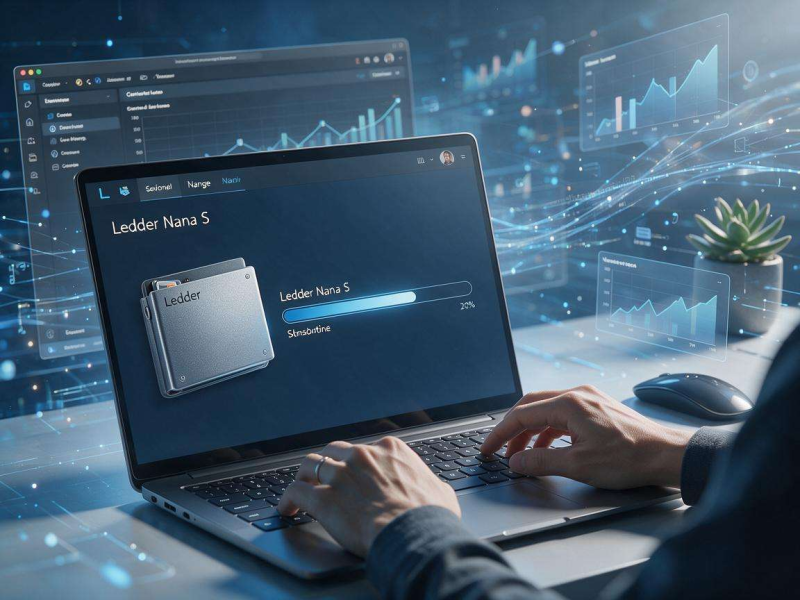
If there is an available firmware update, click on the update button to start the process. The Ledger Live application will download the latest firmware version and install it on your Ledger Nano. During this process, it is important to keep your Ledger Nano connected to your computer and powered on. Do not interrupt the update process or remove the USB cable until the update is complete.
After the firmware update is complete, your Ledger Nano will restart automatically. Once it has restarted, you can check the firmware version to ensure that the update was successful. You can do this by opening the Ledger Live application and navigating to the device manager section. Here, you will be able to see the current firmware version installed on your Ledger Nano.
It is important to note that firmware updates are necessary to keep your Ledger Nano secure and up-to-date with the latest features. However, it is also important to be cautious when downloading and installing firmware updates. Make sure that you are downloading the updates from the official Ledger website or through the Ledger Live application. Do not download firmware updates from untrusted sources, as this could potentially expose your device to security risks.
In addition to updating the firmware on your Ledger Nano, it is also important to keep your device secure in other ways. This includes using a strong password to lock your device, enabling two-factor authentication, and keeping your device in a safe and secure location. You should also be careful when using your Ledger Nano to access your digital assets, and avoid using it on public Wi-Fi networks or other unsecured connections.
Overall, updating the firmware on your Ledger Nano is an important part of ensuring the security and optimal performance of your device. By following the manufacturer's instructions carefully and staying updated with the latest firmware versions, you can protect your digital assets from potential threats and enjoy a seamless experience when using your Ledger Nano. So, make sure to keep your Ledger Nano up-to-date and secure, and enjoy the benefits of using a reliable and secure hardware wallet for your digital assets.
Furthermore, it is advisable to regularly check for firmware updates even if you haven't noticed any specific issues with your Ledger Nano. Sometimes, new firmware versions are released to address emerging security vulnerabilities or to enhance the functionality of the device. By staying proactive and updating your firmware promptly, you can stay ahead of potential risks and ensure that your Ledger Nano continues to provide reliable service.
When performing a firmware update, it's also a good idea to backup your important data stored on the Ledger Nano beforehand. Although the update process is designed to be safe, there is always a slight chance of something going wrong. Having a backup ensures that you can easily restore your data in case of any unforeseen circumstances.
Moreover, keep in mind that firmware updates may introduce new features or changes to the user interface of your Ledger Nano. It's worth taking the time to familiarize yourself with these changes to make the most of the updated device. This might involve learning how to use new security features or navigating through a modified menu system.
In conclusion, updating the firmware on your Ledger Nano is an integral part of maintaining the security and functionality of your digital asset storage solution. By following the proper procedures, being vigilant about security, and staying informed about firmware updates, you can safeguard your valuable digital assets and have peace of mind knowing that your Ledger Nano is operating at its best. So, don't neglect this important task and keep your Ledger Nano in top-notch condition for years to come.







