
Key practices to confirm crypto transfers safely and prevent scams
Access Your Ledger Device and Software Securely
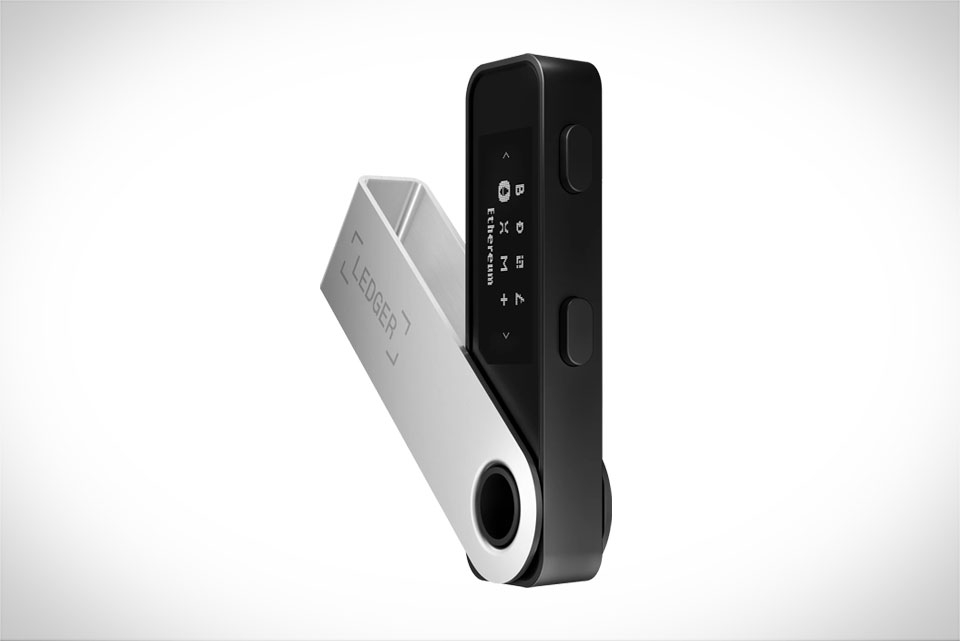
Many beginners make the mistake of relying only on their Ledger Live desktop app to check transactions, but this is risky—phishing sites and malware can tamper with what the app displays. Always download Ledger Live directly from the official Ledger website, not third-party links or pop-up ads. When connecting your Ledger Nano S, Nano X, or Stax to your computer or phone, make sure the device is unlocked with your unique PIN, and never approve a connection request you didn’t initiate. For example, a common scam uses fake Ledger Live links that show a fake transaction history; if you use the real app, you’ll only see data signed by your hardware wallet, which is tamper-proof.
Match Details Between Your Ledger Device and App
The most critical step to verify a transaction is cross-checking the data on your Ledger hardware screen with what’s shown in Ledger Live. When you sign a transaction, your Ledger device will display the recipient’s full wallet address, the exact amount of crypto being sent, and the miner or network fee. Do not just glance at the first few characters of the address—scammers often use addresses that look identical but have a different last digit. For instance, if your app shows a recipient address starting with 0x7a25... but your Ledger device shows 0x7a26..., stop immediately. Confirm that all numbers and characters match perfectly before tapping “Approve” on your Ledger; even a single wrong digit means the funds will go to a hacker.
Verify Transaction Data On-Chain Independently
Even if your Ledger device and app match, you can add an extra layer of security by checking the on-chain transaction data on a public blockchain explorer like Etherscan (for Ethereum-based coins), BSCScan (for BNB Chain), or Blockstream.info (for Bitcoin). After confirming a transaction to a friend’s USDC wallet, copy the transaction hash from Ledger Live, paste it into Etherscan, and verify that the sender is your Ledger wallet address, the recipient matches, and the amount is correct. Blockchain data is immutable—once recorded, it can’t be altered, so this check catches any hidden errors in Ledger Live’s backend or firmware. Some explorers also show transaction confirmations; wait until you see at least one block confirmation to be sure the transaction is finalized, especially for large amounts.
Handle Discrepancies and Unconfirmed Transactions
If you notice mismatches between your Ledger device, app, and on-chain data, don’t panic—act carefully. First, never approve any transaction that looks suspicious. Update your Ledger firmware to the latest version, as outdated software can cause display errors. For unconfirmed transactions (ones that haven’t been added to a block yet), check the network’s mempool (a public queue of pending transactions) to see if it’s stuck due to low fees. For example, if you set a low miner fee, your BTC transaction might take hours to process; using a fee calculator like Bitinfocharts can help you adjust it. If you suspect a scam or lost funds, contact Ledger’s official support team through their website, never via unsolicited messages or random links.







