
A Practical Guide to Secure, Verifiable Asset Proofs
What You Need Before Starting
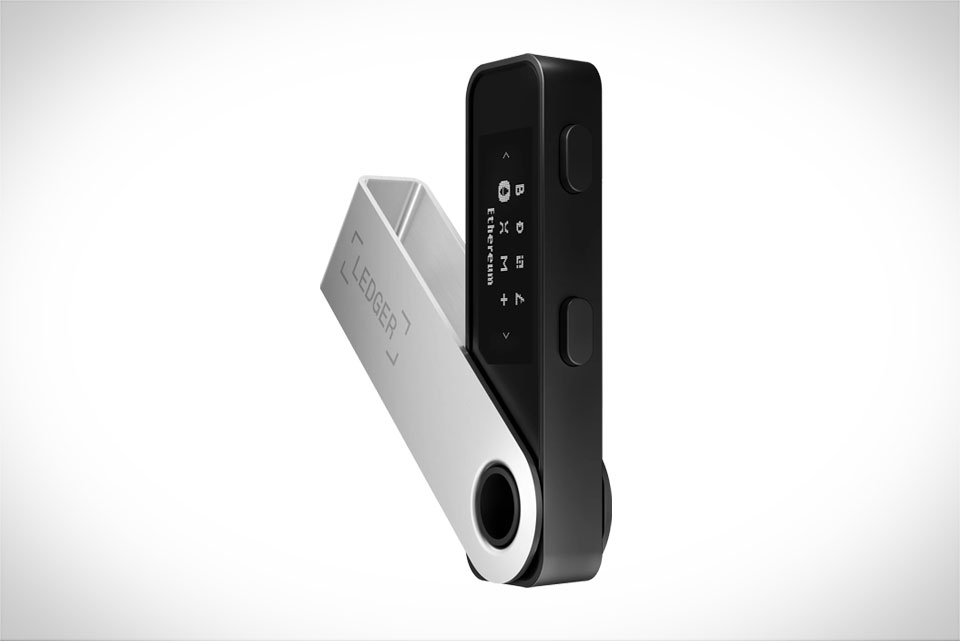
Before diving in, gather tools to keep the process safe and smooth. You’ll need a Ledger hardware wallet—either Nano S or Nano X works, as long as its firmware is updated via Ledger Live to avoid compatibility issues. Install the specific blockchain app for your assets: Ethereum, Bitcoin, or Solana, for example. Pair it with a trusted tool like MetaMask (for Ethereum) or Etherscan, which connects to your Ledger without exposing your private keys. Skip any third-party sites asking for your seed phrase—those are scams. Ensure your Ledger is charged or plugged in, and avoid public Wi-Fi to prevent interception.
Preparing a Clear, Unambiguous Message
The message you sign is the core of your proof—so make it specific to avoid later confusion. A vague line like “I own crypto” is useless; instead, include asset type, exact amount, wallet address, and date. For example: “October 15, 2024, I hold 12 ETH at Ethereum address 0x742d35Cc6634C0532925a3b844Bc454e4438f44e”. If proving NFT ownership, add the NFT’s contract address and ID: “October 15, 2024, I own CryptoPunk #1234 at contract 0xb47e3cd837dDF8e4c57F05d70Ab865de6e193BBB, held at 0xabc123”. This specificity means no one can dispute the proof—readers will know exactly what you’re claiming.
Signing the Message With Your Ledger Device
Signing uses Ledger’s core security: your private key never leaves the device. Connect your Ledger to your computer, unlock it with your PIN, and open the correct blockchain app (keep it on-screen). Open MetaMask, connect it to your Ledger, and select the matching asset address. In MetaMask, go to “Sign Message”, paste your pre-written message, and hit next. Now, scrutinize your Ledger screen: it will show the exact message and address. Double-check both—if anything looks off (wrong address, messy text), cancel immediately to avoid phishing. Once confirmed, press both Ledger buttons to sign. The output is a long string of characters—copy this for verification.
Verifying the Signed Message Publicly
Anyone can verify the signed message without accessing your Ledger or funds, making the proof trusted. Use a blockchain explorer like Etherscan (for Ethereum) or Solscan (for Solana). Navigate to the message verification tool, paste your original message and the signed string. The tool will run a quick check: if the signature matches your wallet address, it confirms ownership. For example, if selling an NFT on OpenSea, post both the original message and verified signature. Buyers can click a link to check it themselves, ensuring you own the asset before offers—no risky pre-transfers. Save your signed message in an encrypted note for future use, like proving ownership for airdrops or legal claims.







