
Avoid crypto loss with intentional, error-free recovery phrase backups
Gather Your Tools and Choose a Private Location
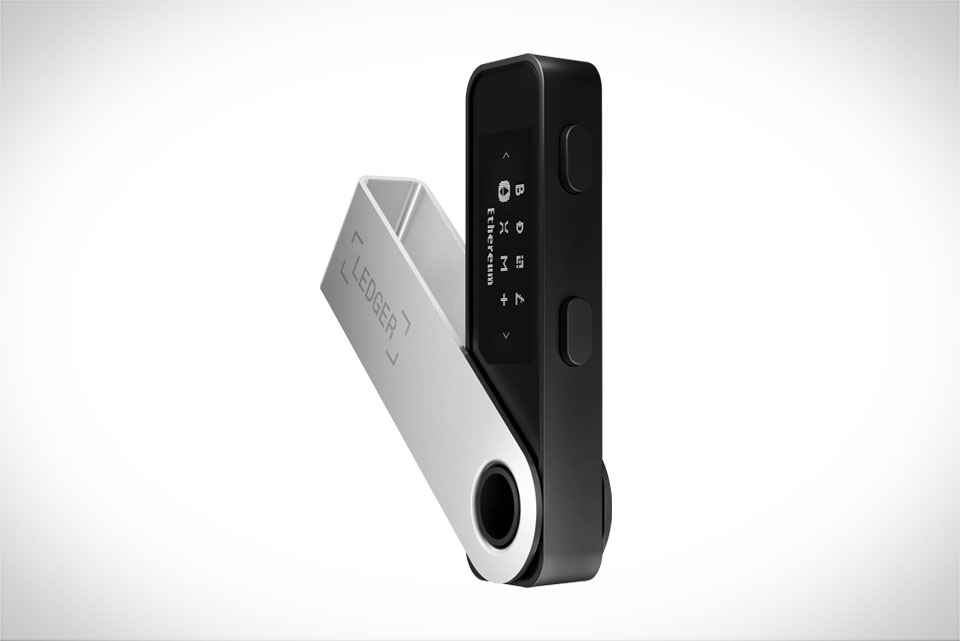
Before touching your Ledger’s recovery phrase, skip every digital tool—phones, laptops, smart pens, even Bluetooth keyboards can leave trace data hackers can exploit. Grab a plain sheet of acid-free paper, which is thick enough to not tear and won’t yellow over decades, perfect for long-term storage, and a regular pencil that erases cleanly without smudging. Pick a spot where no one can watch or record: a closed bedroom desk, not a coffee shop, shared office, or even your living room with a window open. I once helped a friend who jotted his phrase on a phone note while waiting for takeout; his phone was stolen days later, and he spent three days panicking before he realized digital backups are one of the most common crypto loss causes. Stick to physical tools and private, locked spaces only.
Write Each Word Carefully, No Digital Distractions
Ledger’s recovery phrases are 24 unique, case-insensitive words, and even one tiny typo can lock your wallet forever. Take it slow: don’t stare at the Ledger screen for more than two seconds at a time. Read one word, look completely away, write it exactly as you see it—no abbreviations, no shorthand, no combining words. For example, if the word is “sunset,” don’t shorten it to “sun” or misspell it “sunsett.” I made this exact mistake on my first backup: I wrote “sun” instead of “sunset” and only caught it during verification. Keep your Ledger device nearby but not in direct line of sight while writing, so you don’t accidentally peek at the next word before you’re ready, which can lead to rushed, incorrect writing.
Verify the Phrase to Fix Copy Mistakes Immediately
After writing all 24 words, use your Ledger device to run the mandatory built-in verification step—this isn’t optional, no matter how confident you are. The Ledger will prompt you to select specific words (like the 7th, 15th, and 22nd) from a list of random options, forcing you to confirm you copied them in the correct order and spelling. I had a client who skipped verification because he “knew he was right,” and when his old phone broke, he couldn’t recover his $8,000 wallet because he’d miswritten “ocean” as “cean.” This step takes just 5 minutes but catches small errors that would become irreversible later, so don’t cut corners here.
Store Copies in Separate, Secure Physical Locations
Never keep all your recovery phrase copies in one place—fire, theft, or simple loss can wipe them out completely. Make two identical handwritten copies, using the same paper and pencil for both to avoid handwriting inconsistencies. Store one copy in a fireproof, waterproof box at home (like a small safe in your closet) and the other in a trusted off-site location: a family member’s locked drawer, a bank safety deposit box, or a hidden spot in a remote, secure cabin. Avoid digital storage entirely—photos of your phrase in cloud storage, notes apps, or even a hard drive are common targets for hacks. I’ve seen a crypto hobbyist lose $12,000 because he kept his only backup in a Google Photos album that got hacked; don’t make that mistake. Update your copies only if you get a new Ledger device, and always follow the same careful process to avoid new errors. This layered approach ensures your recovery phrase stays safe for years, no matter what happens to your Ledger or personal devices.







