
Maintain Your Hardware Wallet’s Security and Functionality Over Time
Step-by-Step Cleaning for Your Ledger Wallet
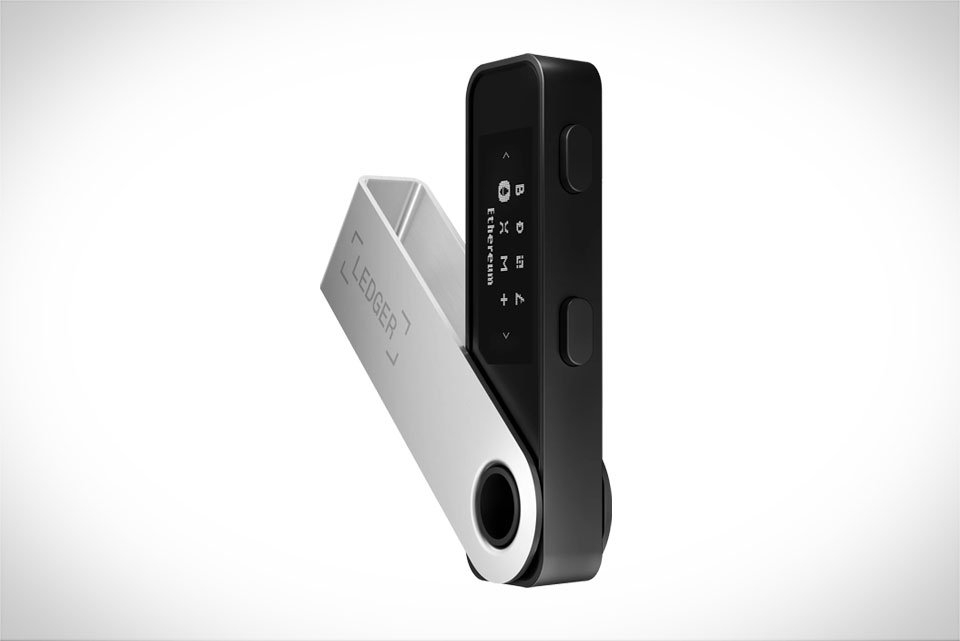
Cleaning your Ledger wallet isn’t just about removing dirt—it’s about protecting its sensitive internal components. Start by grabbing a lint-free microfiber cloth, the same type used for eyeglasses or phone screens; rough materials like paper towels leave tiny fibers that clog ports or scratch the screen. Dampen the cloth slightly with distilled water or a 70% isopropyl alcohol solution (diluted to avoid harshness), then wring it until it’s almost dry—no dripping allowed. Gently wipe the exterior, focusing on smudges on the screen or body. For stubborn dirt around edges, use the cloth’s corner to reach tight spots. Last month, I helped a peer fix his Ledger Nano S: he’d used a regular napkin to wipe coffee spills, leaving fibers stuck in the USB-C port. With a dry microfiber cloth and a cloth-wrapped toothpick, we cleared the port and got it working again.
What to Avoid During Cleaning
Many new Ledger users make mistakes that damage wallets without realizing it. First, never use full-strength isopropyl alcohol, bleach, or window cleaners—these eat away at plastic coatings or corrode circuits. A Reddit user recently shared their horror story: they submerged their Ledger Nano X in soapy water to clean it, and water seeped into the Bluetooth module, rendering it useless. Also, don’t press hard on the screen; Ledger’s displays are delicate, and excessive pressure causes dead pixels. Steer clear of cotton swabs too—they leave fibers in ports and can scratch screens. I once tried a cotton swab to clean a port, and it broke, leaving cotton stuck inside; I had to visit a tech shop to remove it.
Daily and Short-Term Storage Practices
Storing your Ledger correctly between uses keeps it safe from physical and environmental harm. For short periods (days or weeks), keep it in a cool, dry spot away from direct sunlight—avoid car dashboards, bathroom counters, or near stoves where temperature and humidity fluctuate. Never store it with magnets; magnets can disrupt the secure element that holds your private keys. A common mistake is keeping the wallet and seed phrase together—if both are lost or stolen, your funds are gone. I keep my Ledger Nano S in a small velvet pouch when not in use, and my 12-word seed phrase is in a fireproof safe separate from the wallet. I also turn off the device after each use to save battery, especially for the Nano X’s built-in battery.
Long-Term Storage for Extended Downtime
If you’re storing your Ledger for months (like a sabbatical or long trip), take extra steps to protect it. First, charge it to about 50%—this ideal level prevents battery degradation; full charging or draining can damage the battery. Next, turn off all wireless functions (Bluetooth and NFC) to save power. Place the wallet in an airtight, moisture-resistant bag; add silica gel packets to absorb humidity, but ensure they don’t touch the device directly. Check in every 6 months: remove it, charge to 50% again, and test that it powers on. A friend went abroad for 18 months and followed these steps; when he returned, his Ledger Nano X worked perfectly, and the battery was still in good shape. He warned that skipping these steps would have left him with a dead, possibly non-functional wallet on his return.







