
Simple steps to get a full view of your crypto assets across platforms
Choose a Trustworthy Crypto Portfolio Aggregator
Start by picking an aggregator tool that fits your needs—avoid ones with sketchy data privacy policies, since you’ll be linking sensitive wallet info. Popular options include CoinTracker, Zerion, and Delta. For example, if you use both centralized exchanges (CEXs) like Binance and decentralized wallets (DeFi) like MetaMask, Zerion specializes in connecting both without forcing you to share full login details, which is safer than manually copying every address. Some tools are free for basic use, like Delta’s free tier that covers up to 5 wallets, while CoinTracker’s paid plan adds tax tracking if you trade often. Skip tools that ask for your exchange API keys without explaining how they’ll protect them—always check their privacy docs first, as you don’t want your personal or financial info leaked.
Link All Your Wallets and Exchanges
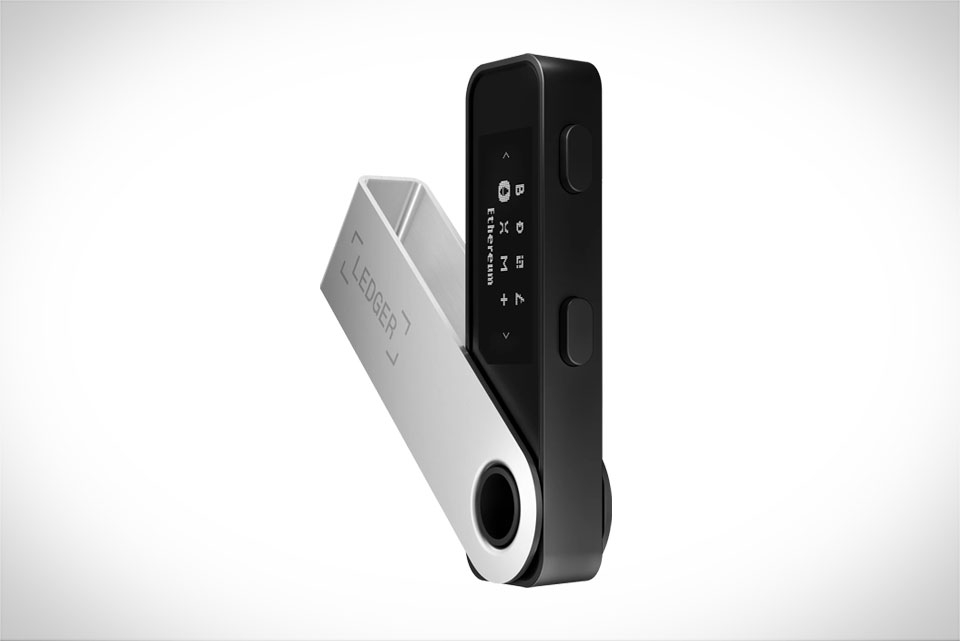
Once you’ve chosen your tool, connect every place you store crypto. For CEXs like Coinbase or Kraken, most aggregators let you input your API keys (you can generate these in your exchange account’s settings, with withdrawal permissions turned off to keep funds safe). For decentralized wallets (non-custodial ones like MetaMask, Ledger, or Phantom), you just connect your wallet directly via the tool’s browser extension or mobile app—no API keys needed here, which is less risky. A common mistake is forgetting small, old wallets: I once had a tiny amount of DOT in a dormant Ledger Nano S that only showed up when I linked it to Zerion, so double-check every wallet you used in the past, even if it’s empty now. Don’t skip any, as even a small holding can add up over time.
Verify Data Accuracy and Fix Gaps
Aggregators sometimes miss small tokens or have delayed data, so you need to cross-check. For example, if you recently swapped a token on Uniswap, the tool might take 1-2 hours to update the balance—wait a bit or manually add it if it’s been longer. For cold wallets (like Ledger or Trezor) that don’t sync automatically, you can manually input the holdings using their public wallet address. If you find a discrepancy, go back to the aggregator’s help center to see if it supports that token; some niche coins aren’t in their database yet. I once had a small Solana-based NFT project that wasn’t listed on CoinTracker, so I added its balance manually to get a full picture, which helped me track its value during a recent rally.
Monitor Balances Regularly for Changes
After setting up, make it a habit to check your aggregated balance weekly or monthly. This helps you catch unexpected changes—like if a token was airdropped to you and you didn’t notice, or if an old wallet’s balance shifted (maybe someone sent you a gift). For example, last month I got an airdrop of a new DeFi token that only appeared in my Zerion dashboard, not my individual wallets, so I would have missed it if I didn’t check the aggregated view. Regular checks also help with tax prep, since you’ll have a complete record of all your holdings in one place instead of scouring 5 different exchanges at tax time. Setting a quick reminder on your phone takes 5 minutes, but it saves you from stress when crypto prices swing fast and you need a clear snapshot of your net worth.







