
Maximize lifespan and avoid unexpected dead moments
Daily Usage Habits That Preserve Battery Life
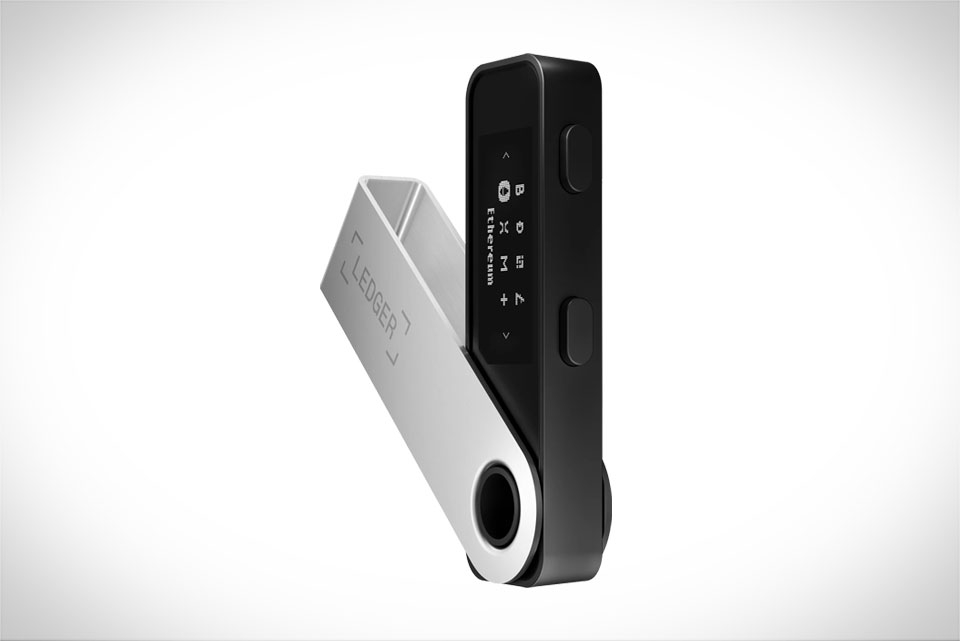
Most small daily choices can cut Nano X battery life by half without you noticing. For example, I used to leave Bluetooth enabled 24/7 to keep my Ledger paired with my phone for quick transactions—after two weeks, the battery dropped 20% even without any transfers. Once I started turning off Bluetooth when not in use, and setting the device to auto-sleep after 1 minute of inactivity, monthly drain fell to under 5%. Another key tip: avoid keeping the OLED screen on unnecessarily, as it uses more power than idle mode. I now wake the screen only when I need to sign a transaction or check balances, and manually disconnect Bluetooth when I’m out in public. This simple shift made a noticeable difference: my Nano X now lasts 10 days on a single charge, compared to 5 days before.
How Charging Cycles Impact Longevity
The Nano X uses a lithium-polymer battery, which is sensitive to charging habits. I learned this during my first charge: I plugged it in overnight to “top it up” and later saw the charge cycle count on Ledger’s dashboard jump higher than expected. Ledger’s official guidelines note lithium-polymer batteries degrade fastest when charged to 100% and left plugged in for hours, or fully drained to 0%. Now I stop charging as soon as the green LED flashes (about 2 hours for a dead device) and charge when the battery hits 20% instead of waiting for it to shut down. Last winter, I waited for automatic shutdown and had to charge for 3 hours just to reach 50%—a problem I never had when charging earlier. Each full cycle (0 to 100%) counts toward wear, and keeping cycles under 500 is ideal for long-term performance.
Common Mistakes That Drain Battery Fast
Small oversights can kill battery life without warning. The biggest mistake I made was using the Nano X in cold temperatures: last month, I left it in my jacket pocket during a 30-minute walk in 32°F (0°C) weather. When I pulled it out, the battery indicator flashed red, and afterward, it lost 15% more charge each week. Extreme heat is equally bad: I once charged it on my car’s dashboard on a sunny day, and the device felt warm to the touch. After that incident, charging time increased by 40 minutes. Using non-official accessories is another error. I borrowed a fast USB-C charger from a friend once, and the Nano X overheated while charging, draining power even as I plugged it in. I now only use the official Ledger cable and standard 5V USB ports, avoiding fast chargers entirely.
Step-by-Step Charging Do’s and Don’ts
Follow these simple rules to protect your Nano X’s battery. Do use the official USB-C cable that came with the device—third-party cables cause power fluctuations that harm internal components. Plug into a standard 5V/1A USB port (laptop or wall adapter) instead of fast chargers, which deliver too much power and overheat the battery. Unplug as soon as the green LED turns on, and never leave it plugged in for more than an hour after charging. Do not charge while using the device, like when signing a transaction: I once tried sending a small Bitcoin mid-charge, and the device’s temperature hit 43°C, doubling the usual charge time. Avoid charging in humid areas (like a bathroom counter) and never let the battery drop below 10% regularly. If storing for months, charge to 50% first, turn it off, and keep it in a cool, dry place to preserve battery health.







