
A straightforward guide to launching your Ledger crypto wallet safely
Unboxing and Pre-Use Quick Checks
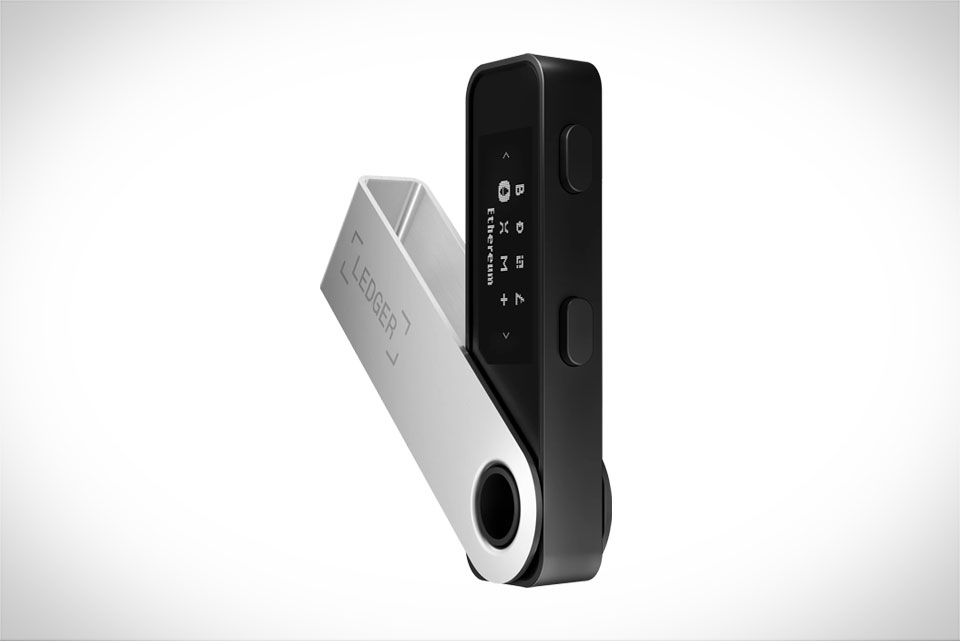
When your Ledger Stax package arrives, start by verifying the outer box is fully sealed and unmarked—any dents or scratches here could signal tampering. I once skipped this step with a previous Ledger device and later found a tiny screen flaw that turned out to be a resold return item, so I learned this check is non-negotiable. Open the box carefully, pull out the Stax, USB-C charging cable, and the small paper recovery phrase card. Inspect the device itself for dead pixels, loose buttons, or misaligned edges. Jot down the unique serial number printed on both the box and the Stax’s back; this will save you hours if you need Ledger support later.
Basic Hardware Setup Steps
Next, plug the Stax into a power source using the included cable—avoid third-party chargers, as they might cause connection issues. Press and hold the top button for 3 seconds until the Ledger logo lights up. The first screen will ask for your language; pick one you’re comfortable with, no need to overthink it. Since this is your first time setting up, select “New Wallet” when prompted (skip the restore option unless you’re transferring an old wallet). Follow the on-screen prompts to adjust brightness (I keep mine medium to save battery during long sessions) and confirm the date and time—don’t rush this, a wrong date can mess up transaction verifications down the line.
Recovery Phrase Creation and Security
This is the make-or-break part of setup. The Stax will generate a 12 or 24-word recovery phrase—always choose 24 words for stronger security, even if it takes a minute longer. The device will display each word one at a time; write every word exactly as shown, in the exact order, on the provided paper card. Never type this phrase into your phone, save it in a cloud note, or take a photo— a friend of mine once stored his phrase in a notes app, and when his phone was hacked, he lost 10% of his crypto holdings. After writing all words, the Stax will ask you to verify 3 random words from the phrase; double-check each one, a typo here means you can’t recover your wallet if the device breaks.
Final Security and Setup Wrap-Up
Once the recovery phrase is confirmed, set a 4-8 digit PIN code. Skip simple sequences like 1234 or your birth year—use a mix of meaningful but obscure digits (I use my cat’s birthday plus two random numbers, no one guesses that). Next, install the latest firmware update; Ledger pushes these to fix security gaps, so keep the Stax plugged in during the update (it takes 2-3 minutes). Finally, pair your Stax with the Ledger Live app on your phone or computer to link your wallet. Test a tiny transaction—like sending 0.0001 ETH to a test address—to make sure everything works. This small step saved me once when I missed a setup setting that would have blocked all transactions for weeks.







