
Practical ways to operate your hardware wallet
Native Core Functions That Don’t Require Bluetooth
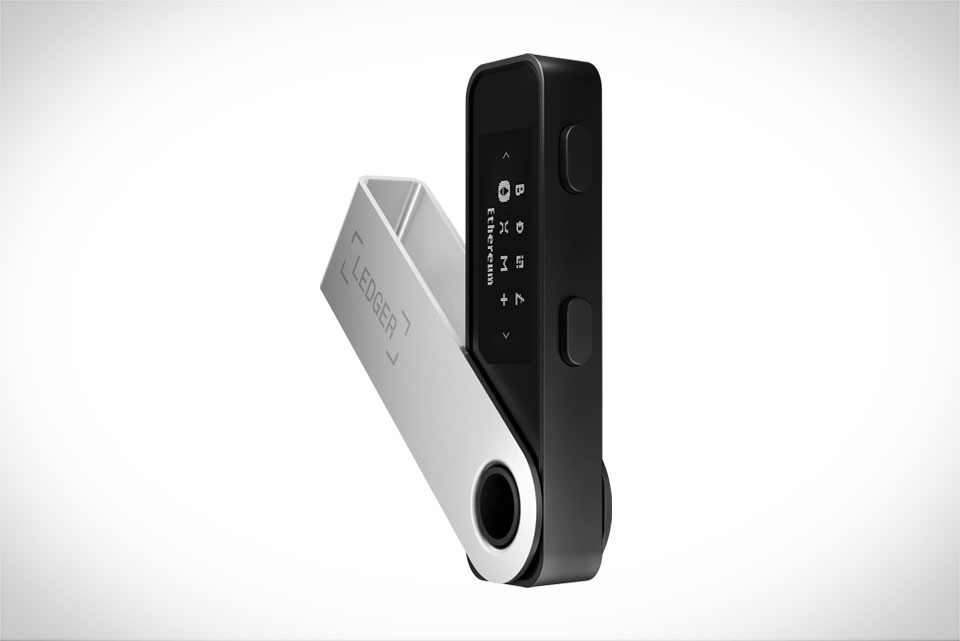
Many new Ledger Nano X users wonder if Bluetooth is a mandatory feature for managing crypto assets. The clear answer is no—Ledger’s entire design prioritizes keeping private keys offline and secure, so most critical wallet operations work completely without Bluetooth. When you first set up the device, generating a 24-word recovery phrase and creating wallet accounts happens directly on the Nano X via physical button presses, no pairing required. Even signing transactions for transfers or swaps is an offline process: the device displays transaction details on its screen, and you press buttons to confirm, with no Bluetooth connection involved. This means you never have to enable Bluetooth at all to use the wallet, which aligns perfectly with its core purpose of isolating sensitive data from online threats.
Alternative Wired Connection Methods
While Bluetooth is convenient for pairing with smartphones or Ledger Live on desktops, it’s not the only connection option. The Ledger Nano X comes with a built-in USB-C port, letting you connect it directly to any compatible device—laptops, Android phones with an OTG adapter, even portable chargers with data transfer support. I’ve relied on this method many times when my phone’s battery was low and I didn’t want to drain more power with Bluetooth. Plugging the Nano X into a Windows laptop, for example, connects instantly to Ledger Live without extra pairing steps, and I can send, receive, or view crypto balances just as smoothly as over Bluetooth. This wired connection is also end-to-end encrypted, making it just as secure as Bluetooth for regular use.
Real-World Scenarios for Bluetooth-Free Use
There are plenty of everyday situations where skipping Bluetooth makes sense. Frequent travelers often opt out of Bluetooth to avoid relying on unstable hotel Wi-Fi or public Bluetooth networks that could be compromised. Last year, I took a trip to a remote mountain area with no cell service, and I used a portable charger to power my laptop, then connected the Nano X via USB to sign a transaction for a friend—no Bluetooth needed, and the process worked without a hitch. Security-focused users also avoid Bluetooth to eliminate any potential wireless interception risk, even though Ledger’s Bluetooth uses strong encryption. If you’re using the Nano X in a crowded public space, turning off Bluetooth prevents accidental pairing with nearby devices, adding an extra layer of protection for your assets.
Key Tips for Smooth Bluetooth-Free Operation
To ensure a hassle-free experience without Bluetooth, follow a few simple practical tips. First, always use an official Ledger USB-C cable—third-party cables may not support data transfer or could damage the device, as I learned when a cheap replacement cable failed to connect my Nano X to my desktop. Second, keep your Ledger Live software updated, even when using USB, as updates fix connection bugs and security gaps. Third, only connect to trusted devices; avoid public computers for critical transactions, as they might have malicious software that could intercept data. Finally, if you need to sync new asset types or update your Nano X firmware, USB works exactly as well as Bluetooth—you just have to manually trigger the update in Ledger Live once connected.







